
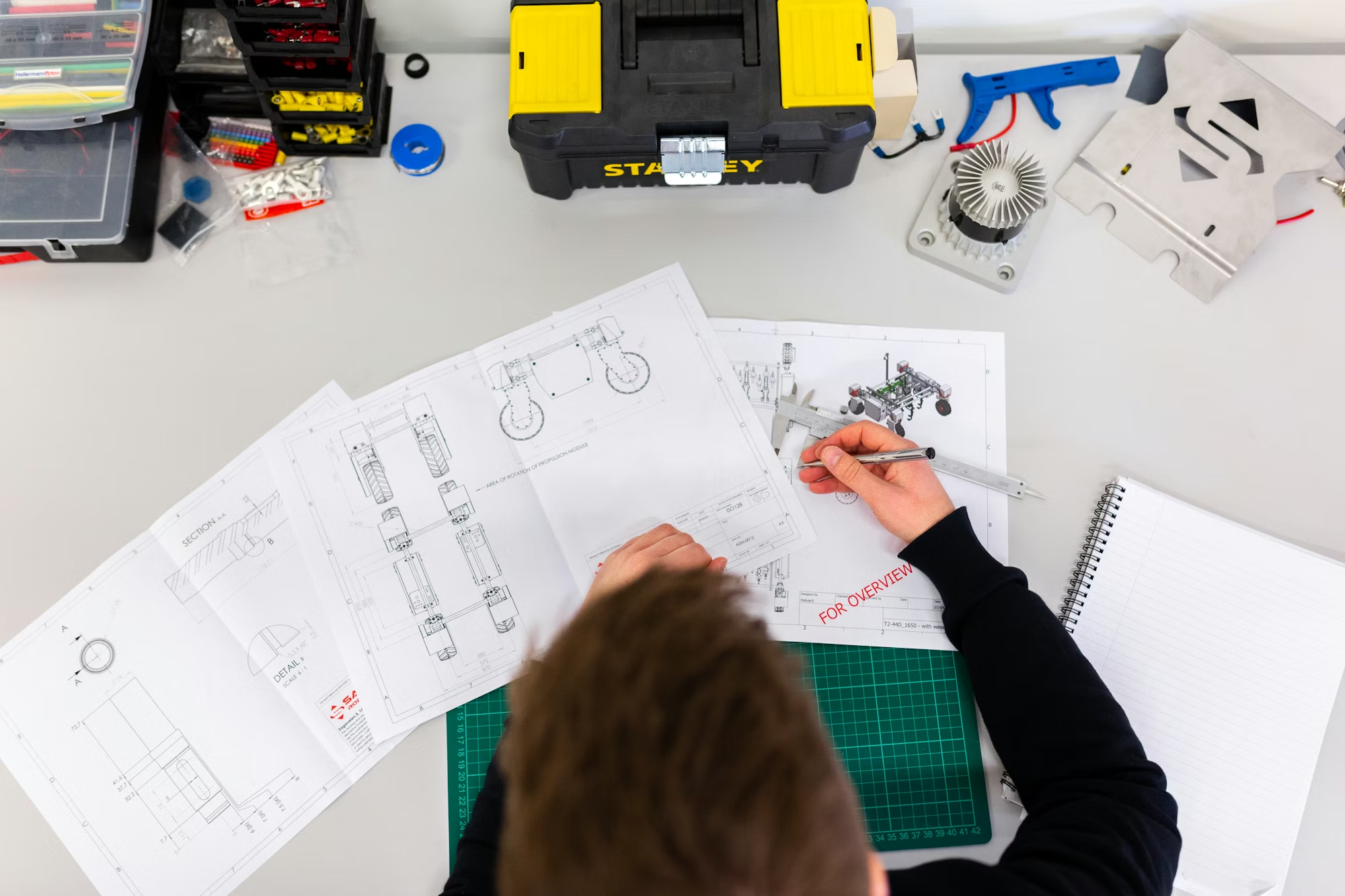
If you’re a mechanical student in 2026, you’re entering a world where ideas don’t just stay on paper—they become digital products first, physical products later. That entire journey starts with CAD.
But here’s the reality: just knowing software commands won’t build a career. What matters is how well you understand design, manufacturing, and real-world application.
This guide is written specifically for mechanical students who want a serious, high-growth path in CAD—not just a basic job.
Why CAD Is a Must-Have Skill for Mechanical Students
Mechanical engineering is no longer limited to theory or calculations. Every industry expects you to:
- Convert concepts into 3D models
- Design parts that can actually be manufactured
- Work with teams across production, testing, and quality
CAD sits right at the center of all this.
Industries hiring mechanical CAD professionals:
- Automotive (EV, BIW, components)
- Aerospace
- Manufacturing & heavy engineering
- Robotics & automation
- Consumer product design
If you skip CAD, you limit your opportunities.
What Mechanical CAD Professionals Actually Do
This is where most students misunderstand the field.
Your real job will include:
- Designing machine parts and assemblies
- Creating manufacturing drawings
- Applying GD&T (tolerances)
- Selecting materials based on use
- Working with production teams
You’re not just drawing—you’re solving engineering problems.
Best CAD Software for Mechanical Students
Focus on tools that are widely used in the industry:
- AutoCAD → Basics, 2D drafting
- SolidWorks → Product design, assemblies
- Creo → Widely used in manufacturing companies
- Unigraphics (NX) → Advanced, high-end industries
- CATIA → Automotive & aerospace
Start with 1–2 tools, don’t try to learn everything at once.
Career Roles You Can Target
Entry-level roles
- CAD Designer
- Design Engineer Trainee
- Mechanical Draftsman
Mid-level growth
- Product Design Engineer
- Tool Design Engineer
- R&D Engineer
High-growth niche roles
- BIW Design Engineer
- Plastic Product Design Engineer
- Sheet Metal Design Specialist
Specialization = higher salary + faster growth
How to Start as a Mechanical Student (Step-by-Step)
Step 1: Build Strong Basics
- Engineering drawing
- Manufacturing processes
- Material science
Without this, CAD is just clicking buttons.
Step 2: Join a Practical cad design course
Choose a cad design course that includes:
- Real industry projects
- GD&T training
- Assembly design
- Exposure to manufacturing
Avoid only theory-based training.
Step 3: Create a Portfolio (Very Important)
Build at least:
- 5 machine parts
- 2 assemblies
- Complete drawings with dimensions
This is what companies actually check.
Step 4: Learn Industry Concepts
- Tolerances & fits
- Sheet metal design
- Plastic design basics
- BOM (Bill of Materials)
Step 5: Internship / Real Exposure
Even a small internship gives you:
- Practical understanding
- Confidence
- Better job chances
How to Choose the Right CAD Course (Important)
Not all courses are useful.
While selecting a cad course, check:
- Does it include real projects?
- Are trainers from industry?
- Is GD&T covered?
- Do they provide placement support?
A good cad design course can change your career. A bad one wastes time.
Common Mistakes Mechanical Students Make
- Learning only software, ignoring engineering basics
- Not creating a portfolio
- Watching tutorials but not practicing
- Jumping between tools
- Avoiding specialization
Fix these early and your growth will be much faster.
Future Scope for Mechanical CAD (2026 & Beyond)
The future is strong because:
- EV industry is growing
- Manufacturing is expanding
- Automation & robotics demand design skills
- Digital product development is increasing
New trends:
- AI-assisted design
- Simulation-based design
- Digital twins
Mechanical + CAD = future-proof combination
90-Day Roadmap for Mechanical Students
Month 1
- Learn AutoCAD basics
- Start 2D drawings
Month 2
- Learn SolidWorks/Creo
- Create 3D parts + assemblies
Month 3
- Work on real projects
- Prepare portfolio
- Apply for internships/jobs
Final Thoughts
A CAD career for mechanical students is not about software—it’s about building real-world design skills.
If you:
- Choose the right cad design course
- Practice consistently
- Build a strong portfolio
You can move from student → skilled designer → high-paying engineer faster than most of your peers.