Admissions Open

ANSYS Workbench & Mechanical APDL Course in Pune

FEA, Structural Simulation & Engineering Analysis Training

The ANSYS Workbench & Mechanical APDL Training Course at Autosoft Training & Solutions is designed to help mechanical engineers and students learn Finite Element Analysis (FEA), structural simulation, vibration analysis, thermal analysis, and engineering problem solving using ANSYS software.

120+ Hours Training
12 Core Modules
100% Job Assistance

Enroll in ANSYS Training

Master FEA and Parametric Design Language.

FEA Specialist in Pune

About ANSYS & APDL Course

What is ANSYS & APDL?

Core Concepts Covered

Technologies & Analysis types you will master:

terminal

Mechanical APDL Scripting

compress

Structural Simulation

vibration

Vibration (Modal)

thermostat

Thermal Analysis

grid_on

Advanced Meshing

analytics

Post-Processing

Expert CAE Training in Pune

Students searching for an ANSYS course in Pune or FEA training in Pune will gain practical experience working with real engineering models and simulation case studies.

The program focuses on simulation-driven engineering design, providing hands-on training in both the modern ANSYS Workbench and the classical Mechanical APDL environment.

Course Overview

Students will learn the complete CAE workflow including:

  • Finite Element Method fundamentals
  • Geometry preparation (Design Modeler)
  • Meshing techniques (Global/Local controls)
  • Static Structural and Modal analysis
  • Mechanical APDL scripting and automation
  • Simulation results interpretation

This course includes hands-on workshops, exercises, and engineering case studies to help students understand real industrial simulation problems.

Course Eligibility & Prerequisites

  • Mechanical, Automobile, or Aerospace engineering students and graduates.
  • Engineers interested in FEA analysis, CAE engineering, simulation, or product validation.

Industrial Standard: We teach both ANSYS Workbench and APDL from scratch, ensuring you are prepared for both research-oriented and production-level simulation roles.

CAE Specialist

Comprehensive Finite Element Analysis training.

What You Will Learn

Comprehensive curriculum designed by Autosoft Experts

Students will first understand the fundamentals of FEA. Topics include:

  • General steps of the finite element method
  • 1D, 2D and 3D element concepts
  • Stiffness matrix equation basics
  • Advantages and limitations of FEA
  • Overview of ANSYS GUI and operation modes

This module builds the foundation required for engineering simulation.

Understand the environment and prepare geometry. Topics include:

  • Project schematic and Engineering Data management
  • Introduction to Design Modeler
  • Geometry simplification and repair
  • CAD model import and parametric geometry
  • Beam, shell, and surface modeling

Divide the model for analysis. Topics include:

  • Global and local mesh refinement controls
  • Free meshing vs Mapped meshing
  • Volume sweeping and hybrid meshing
  • Contact definitions and Named selections
  • Coordinate systems and remote boundary conditions

Evaluate mechanical behavior. Topics include:

  • Static Structural analysis (Stress/Deformation)
  • Steady-state heat transfer basics
  • Thermal contacts and boundary conditions
  • Solving models and interpreting nodal loads

Study dynamic behavior. Topics include:

  • Basics of free vibration
  • Solution setup for Modal analysis
  • Interpreting modal analysis results
  • Vibration with prestress conditions

Advanced control via scripting. Topics include:

  • APDL selection logic and coordinate systems
  • Boolean operations and Solid modeling in APDL
  • Element attribute settings and selection
  • Solver setup and load step options
  • Time history postprocessor (POST26)

Designed for Future R&D Engineers

Launch your career in Automotive Design with industry-standard support.

Unlimited
Interview Calls

Until You Get Placed

300+

Hiring Partners

Live Projects

Static Structural Analysis, APDL Scripting, and Multi-Physics Case Studies

Portfolio

Build a ANSYS Workbench & Mechanical APDL Portfolio

Who Should Join This Course

  • ✔ Mechanical engineering students
  • ✔ Automobile engineering students
  • ✔ Aerospace engineering students
  • ✔ Engineering graduates
  • ✔ Students looking for ANSYS training in Pune
  • ✔ Engineers interested in CAE and simulation careers

Ideal for learners pursuing careers in FEA analysis, CAE engineering, or product validation.

Practical Learning Approach

At Autosoft Training & Solutions, students gain hands-on simulation experience working on:

  • ✔ Structural analysis projects
  • ✔ Thermal simulation case studies
  • ✔ Modal and vibration analysis
  • ✔ Real engineering simulation problems
  • ✔ Industrial workshop exercises

Tools & Technologies Covered

  • ✔ ANSYS Workbench
  • ✔ Mechanical APDL
  • ✔ Finite Element Analysis (FEA)
  • ✔ Structural Simulation
  • ✔ Thermal Analysis
  • ✔ Modal & Vibration Analysis
  • ✔ Engineering Post-Processing

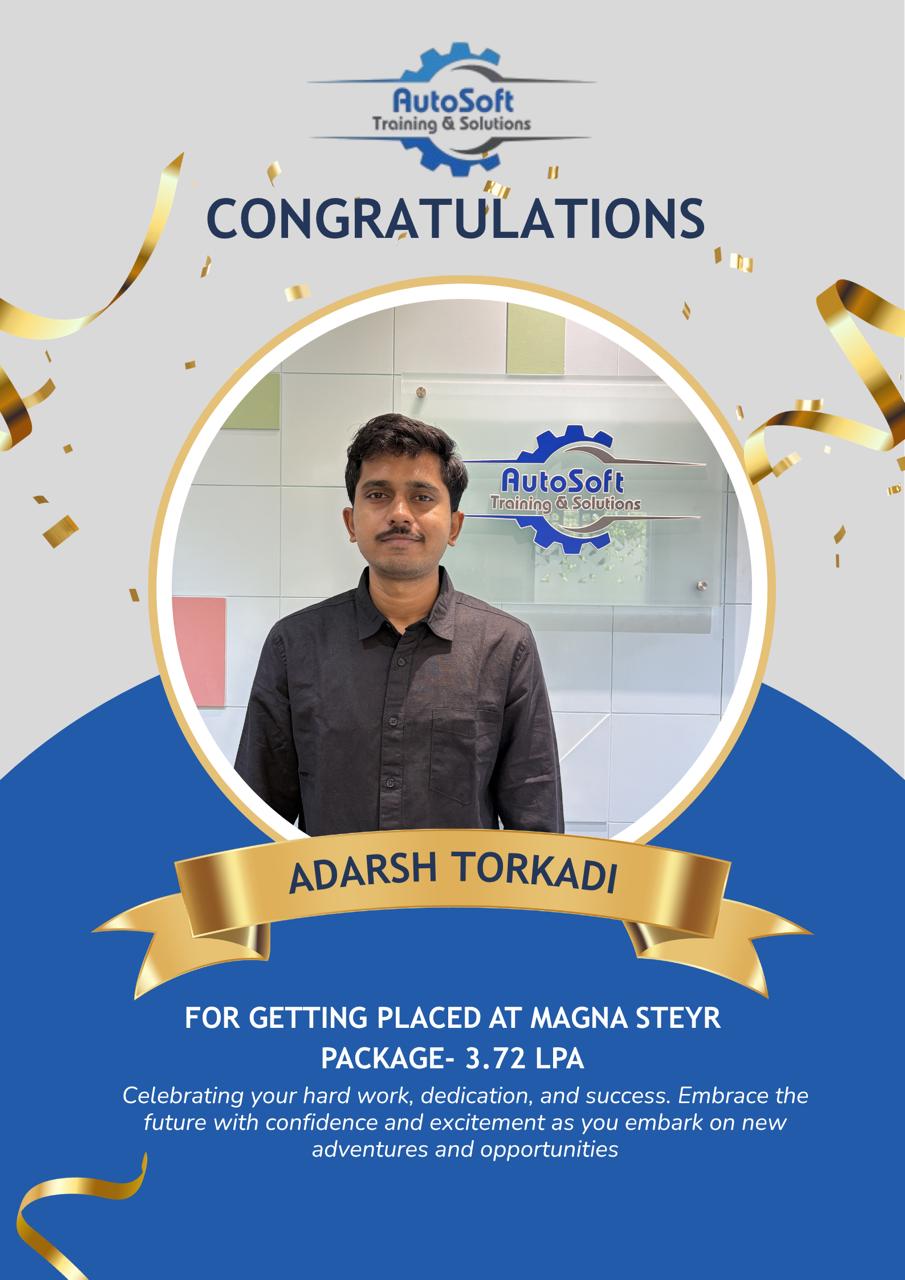
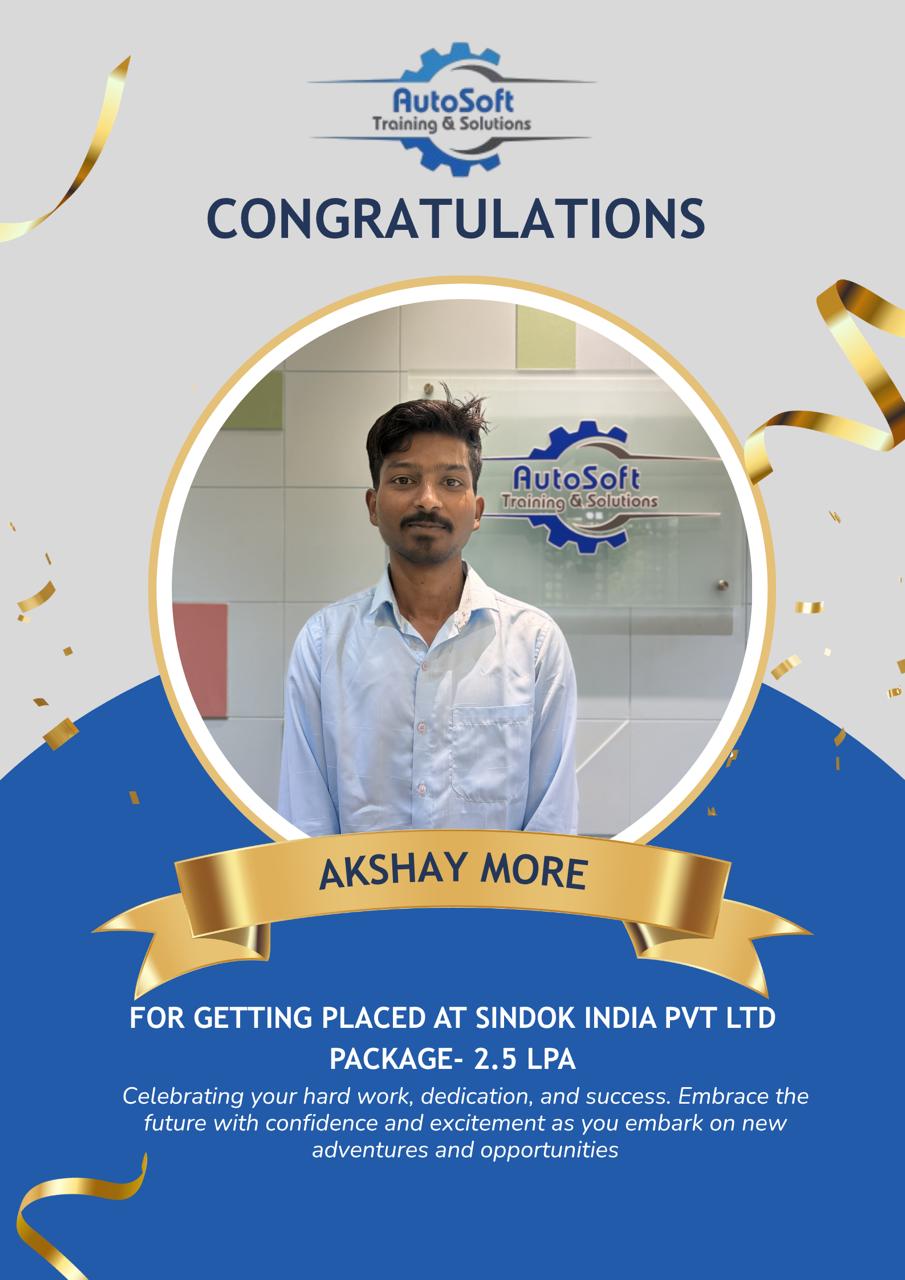
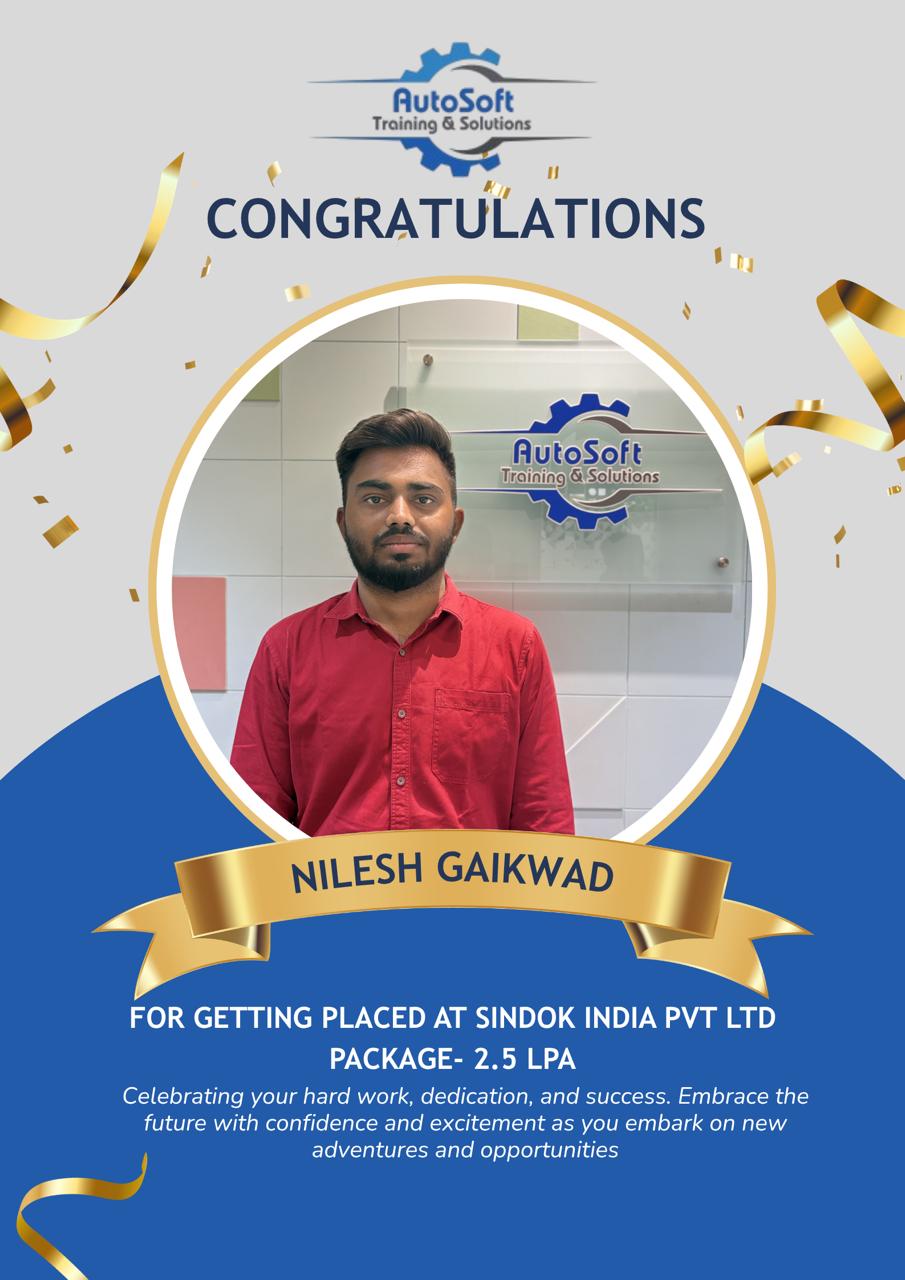
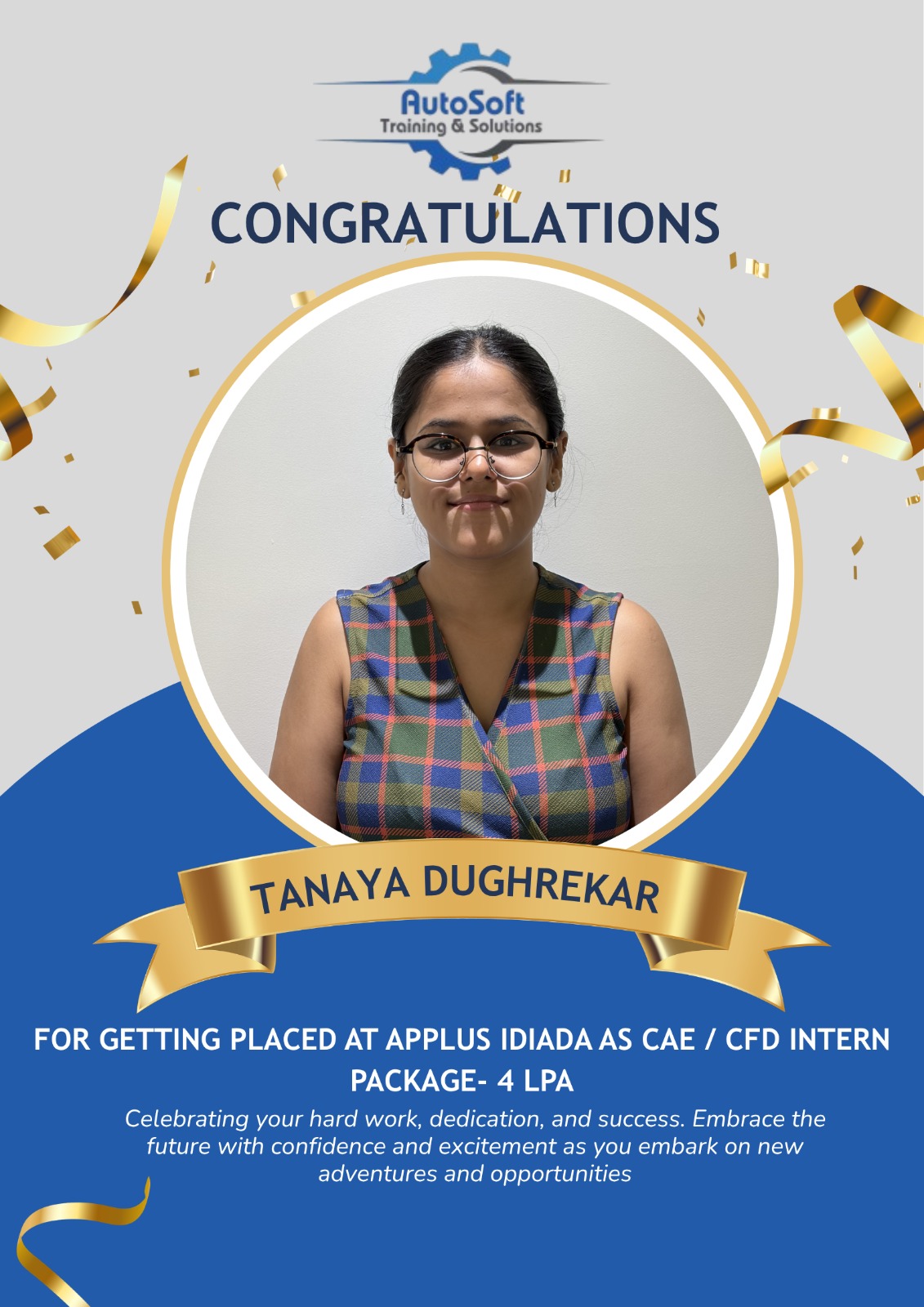
Student Testimonials

Click on a student to watch their success story
Client Photo
Client Photo
Client Photo
Client Photo
Client Photo
Client Photo
Client Photo
Client Photo
Client Photo
Client Photo
Client Photo
Client Photo
Client Photo
Client Photo
Client Photo
Client Photo
Client Photo
Client Photo

Why Choose Autosoft Training & Solutions

✔ Industry-focused CAE training
✔ Experienced simulation engineers
✔ Practical workshops & case studies
✔ Hands-on engineering projects
✔ Career-focused training

Our programs help students build careers in CAE analysis, simulation engineering, product design validation, and structural analysis industries.

Enroll in ANSYS Training in Pune

Start your career in engineering simulation and FEA analysis with the ANSYS Workbench & Mechanical APDL course at Autosoft Training & Solutions.

📞 Contact us today to learn more about course schedules and admissions.
Chat with us!