
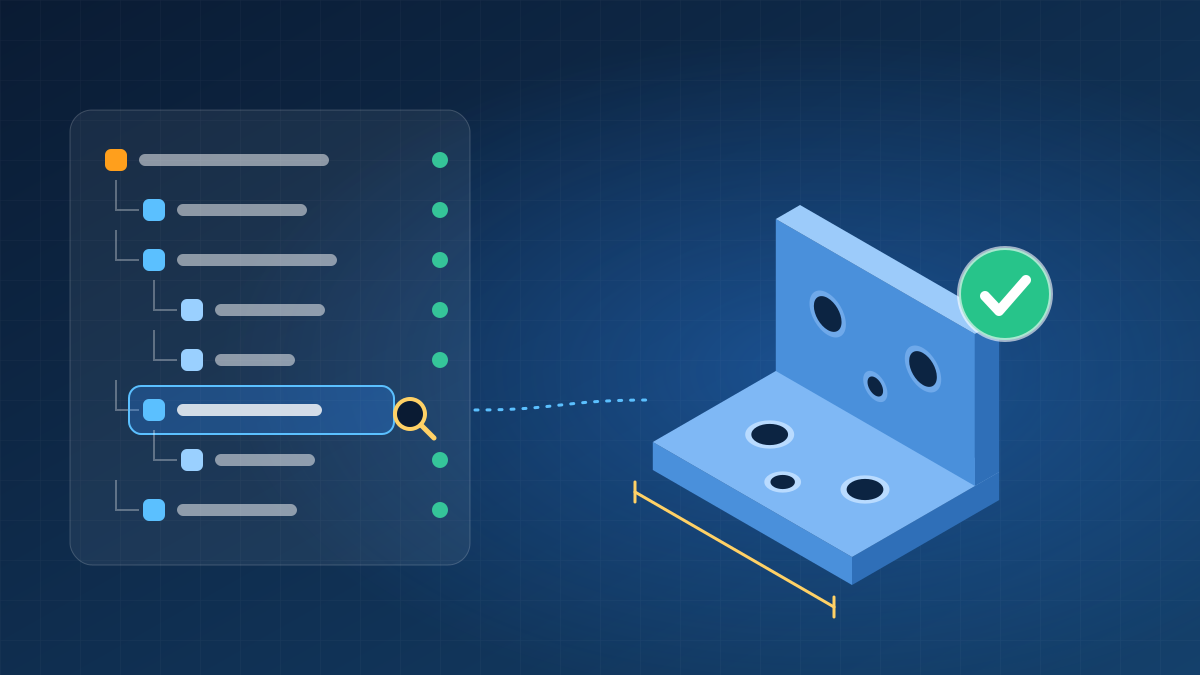
Most CATIA tutorials teach you how to build a model. Almost none show you how someone else judges it.
That second view matters more than students expect. In a job interview practical, a supplier handover or an internal review, the person opening your file rarely admires the shape first. They look at the specification tree. Within a few minutes, they have a fairly reliable sense of whether you can be trusted with a live project.
Here is how that review tends to go, minute by minute, and how you can run it on your own work before anyone else does.
Minute 0 to 1: The reviewer reads the tree and touches nothing
Before rotating the model or checking dimensions, an experienced reviewer expands the tree and scrolls. What they are reading is not the geometry. They are reading your habits.
Compare two trees for the same simple bracket:
Tree A                          Tree B
Part1                           BRK_Mounting_Rev-A
 ├ Part Body                     ├ Parameters
 │  ├ Pad.1                      │  ├ Wall_T = 3mm
 │  ├ Pad.2                      │  └ Hole_Dia = 8.5mm
 │  ├ Pocket.1                   ├ Geometrical Set: Reference
 │  ├ Pad.3                      │  └ Mid_Plane, Hole_Axis
 │  ├ EdgeFillet.1               ├ Part Body
 │  ├ Pocket.2                   │  ├ Base_Plate (Pad)
 │  ├ EdgeFillet.2               │  ├ Mounting_Holes (Pocket)
 │  ├ Pad.4                      │  ├ Stiffener_Rib (Rib)
 │  └ ... (31 more)              │  └ Edge_Fillets
 └ Sketch.1 to Sketch.34         └ Sketches (grouped, named)
Both models may look identical on screen. Tree B tells the reviewer the author planned the part, named features by purpose, kept parameters visible and left fillets for last. Tree A tells them that fixing a hole position will take guesswork.
Minute 1 to 3: Tree smells and what they signal
| What the reviewer sees | What they read into it | Better habit |
|---|---|---|
| Default names everywhere (Pad.14, Sketch.27) | Nobody else can navigate this quickly | Rename features by purpose, at least the key ones |
| Sketches placed on model faces | Fragile: a face can change identity when its parent is edited | Place sketches on planes or published reference geometry |
| Orange or under-constrained sketches | Shape depends on whatever the mouse did | Fully constrain; use sketch analysis to find what is open |
| Fillets scattered through the middle of the tree | Hard to edit earlier features without failures | Apply fillets and chamfers late, grouped together |
| One long Part Body with 60 features | No logic to the build order | Use bodies and geometrical sets to group related work |
| Hidden geometry piled up | Leftover trial attempts | Delete what is unused; keep the tree honest |
| No visible parameters | Dimensions are buried inside sketches | Surface key values as named parameters |
Each of these takes seconds to spot and says more than a finished render ever will.
Minute 3 to 5: The change test
Now the reviewer does the thing candidates often fear. They change a key dimension, maybe the base width or a hole position, and press update.
Three outcomes are possible:
- Clean update. The model follows the change. This earns immediate trust.
- Update errors with a clear cause. The reviewer can trace the failure and, if the tree is readable, repair it.
- A cascade of failures. Features lose references and the reviewer abandons the repair.
The fix for outcome 3 is not more commands. It is building features from stable references (planes, axes, named parameters) so that a change at the top has a predictable effect below.
Minute 5 to 7: Links and references
For parts used inside assemblies, the reviewer opens the links dialog and looks for anything unexpected: references to files outside the product, links that are broken, features referencing the wrong parent, or geometry isolated at an odd stage. They also check that the product structure follows a sensible breakdown and that part numbers and instance names are consistent.
A model that cannot be moved to another machine and opened cleanly is a model that creates problems for the next person.
Minute 7 to 9: Geometry checks that matter for manufacturing
Pretty geometry is not enough. The reviewer measures what production teams will care about:
- Wall thickness: consistent where the process requires it, and not accidentally thicker near features
- Draft: present on moulded or cast faces, verified with analysis rather than assumed
- Fillet logic: radii that match the intended process, no orphaned sharp edges in unexpected places
- Surface health: no gaps between joined surfaces, no overlapping patches, curvature behaving sensibly
- Interfaces: mating features dimensioned so the neighbouring part will actually fit
Minute 9 to 10: Handover readiness
The last question is simple: could another engineer take over tomorrow without calling you? That means a drawing or annotated model that matches the 3D geometry, units and tolerances stated, a revision identifier, and a file that opens without errors.
The 100-point self-review
Use this scorecard on your own models. It is a practical rubric we suggest for self-checking, not an industry standard, so adapt the weights to your target role.
| Category | Points | Full marks when |
|---|---|---|
| Tree hygiene | 25 | Meaningful names, logical grouping, no leftover or hidden clutter, fillets late in the tree |
| Robustness | 25 | Changing key dimensions updates cleanly with no errors |
| Geometry quality | 20 | Wall, draft, fillets and surfaces checked with analysis tools, not by eye |
| Links and structure | 15 | References stable, no broken links, product tree follows a logical breakdown |
| Handover | 15 | Drawing or annotation complete, parameters visible, file opens cleanly elsewhere |
Below 60, the model is a learning exercise. Between 60 and 80, it can go into a portfolio with fixes. Above 80, it is ready to be shown to a recruiter or placed in a shared project.
The 30-minute “break your own model” drill
Take any part you built last month and run these five steps:
- Rename every feature that still has a default name.
- Change one master dimension by 25 percent and update. Note every failure.
- Open the links dialog and write down anything you cannot explain.
- Run draft and thickness checks and fix at least one issue.
- Send the file to a classmate or colleague with no explanation and ask what confused them.
Most people find real problems in steps 2 and 5. Fixing them teaches more than building a new model from scratch.
Why this matters for interviews and portfolios
In a timed CATIA practical, the person assessing you often has a few minutes per candidate. They will not rebuild your model. They will scan the tree, try a change and judge the result. A modest part with a clean tree and a successful change test outperforms an impressive-looking part that breaks when touched.
The same applies to your portfolio. Our article on what recruiters actually look for in a CAD portfolio explains how to present finished work, and this checklist helps you make sure the model behind the screenshot holds up when it is opened.
If you are still deciding which software or course suits your goals, the CAD courses FAQ for mechanical students answers the common questions. And if body structure work is your target, the BIW design engineer career guide shows where these habits matter most.
Frequently asked questions
Does every reviewer follow this exact order?
No. Practices vary by company, but the pattern is common: structure first, then robustness, then geometry and handover.
Is it bad to have default feature names?
Not on a quick personal sketch. On anything you share or submit, rename at least the features someone else would need to edit.
Should I always avoid sketching on faces?
Planes and reference geometry are safer for anything that may change. Face-based sketches are acceptable for quick, throwaway work.
How many features is too many?
There is no fixed number. What matters is whether the structure is readable and the model updates reliably.
Can I use this checklist for other CAD software?
The ideas carry over. Tree logic, stable references and change testing apply across parametric CAD tools, though menu names differ.
Next step
Reviewing your own models this way is easier with an experienced person looking over your work. The CATIA V5 course at Autosoft Tech includes guided practice on model structure and review. Ask for the syllabus or brochure if you want details.